Hey quilty business owner!
Are you ready to start taking photos that do your work justice? I have the perfect mini-class for you!
Introducing the make your photos shine course
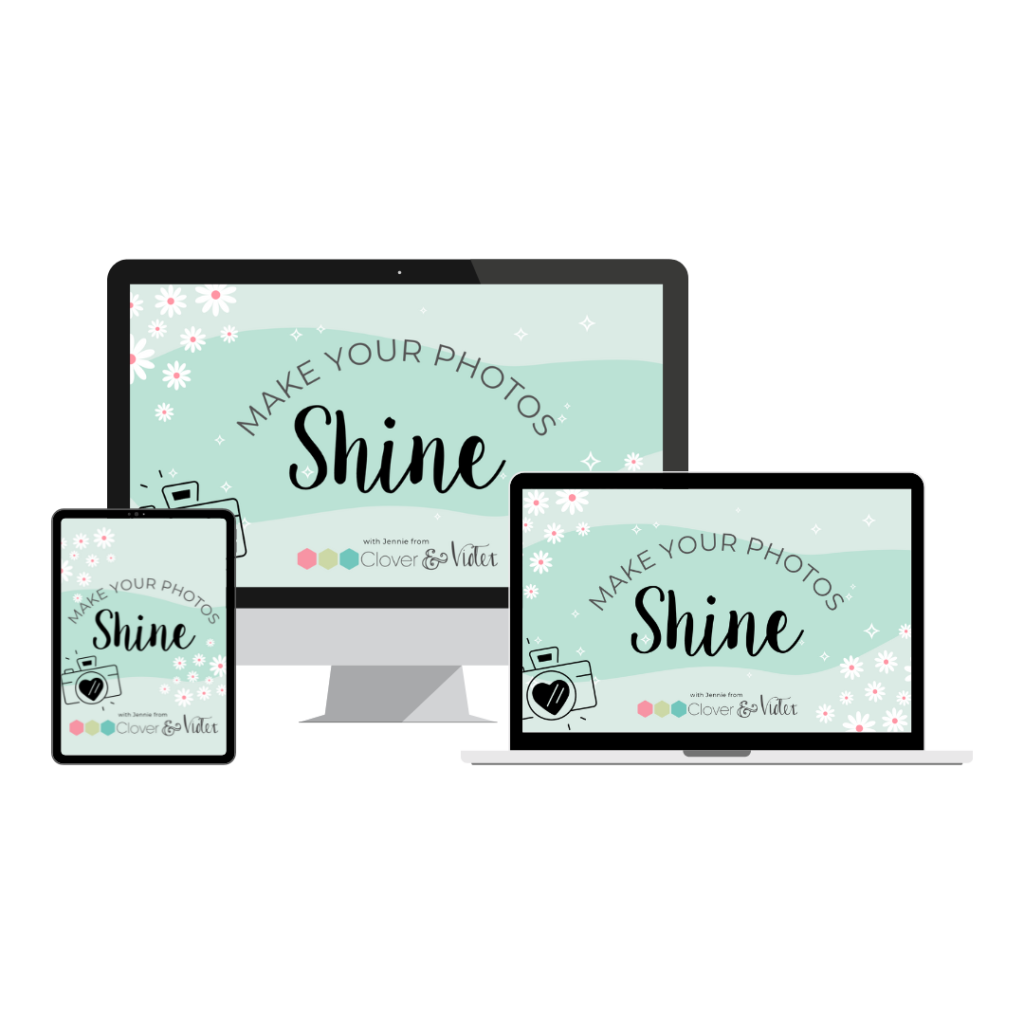
Make Your Photos Shine Mini-Course
In this course, I’ll teach you how I set up my photos to make the best use of the lighting I have, my favorite angles, and then how I edit my photos in Photoshop Elements, Adobe Mobile Lightroom (Free!), and Lightroom. PLUS you’ll get my Quilty Presets that I use to edit my photos on my phone for social media!
$47 $37
Meet the quilty presets:
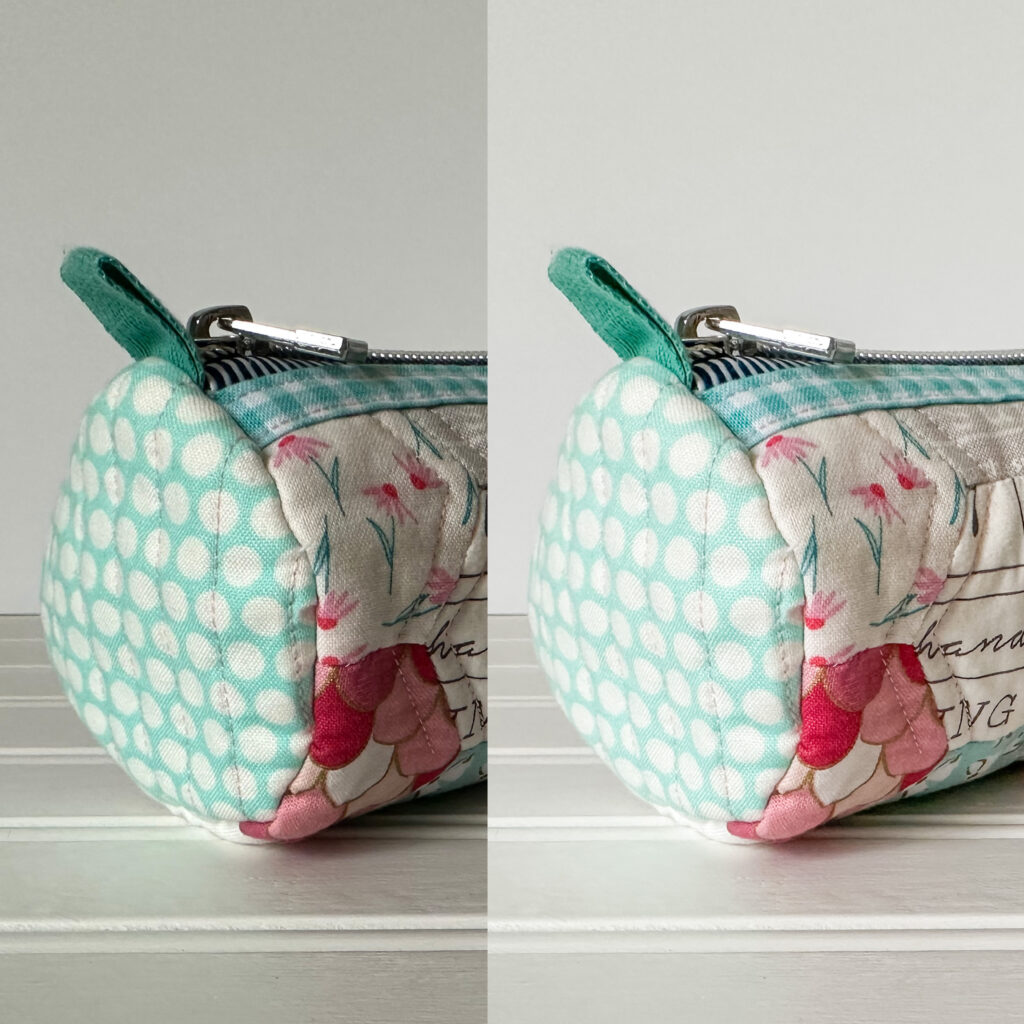
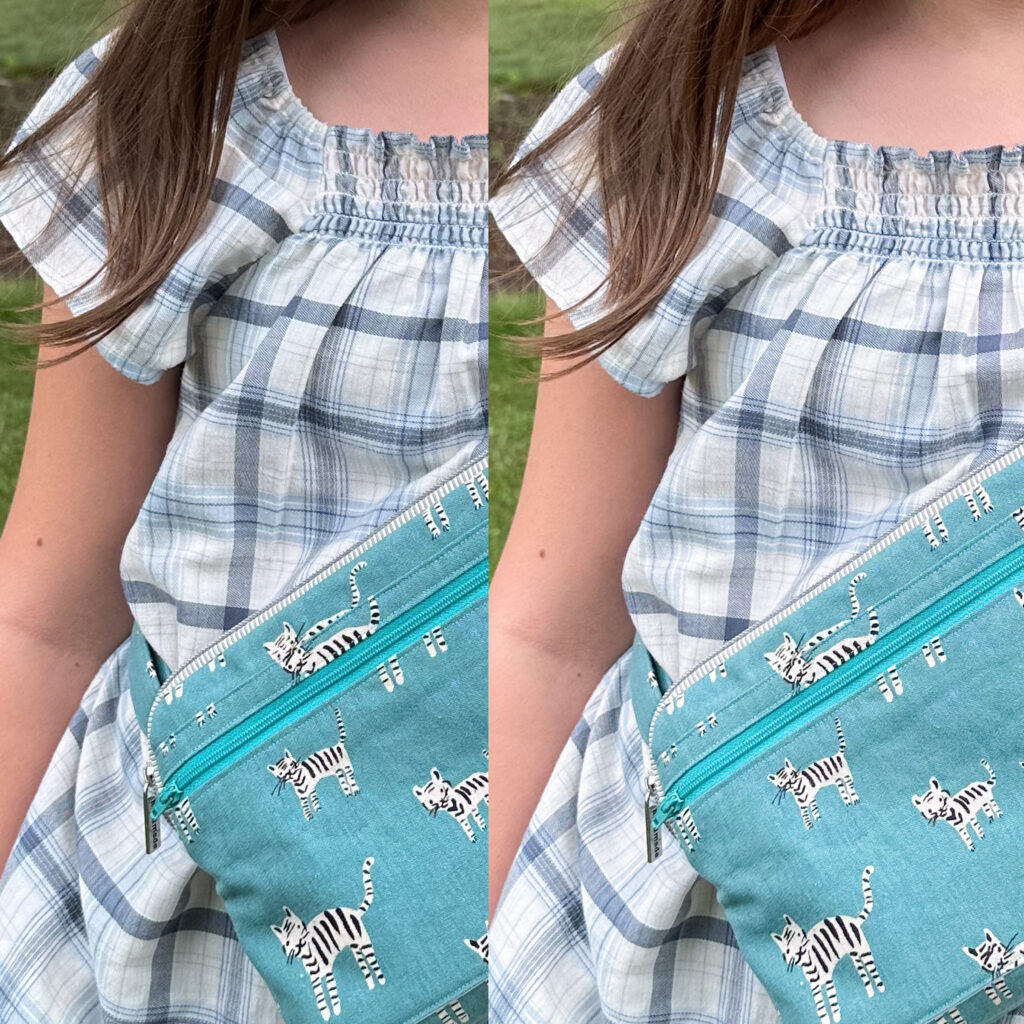
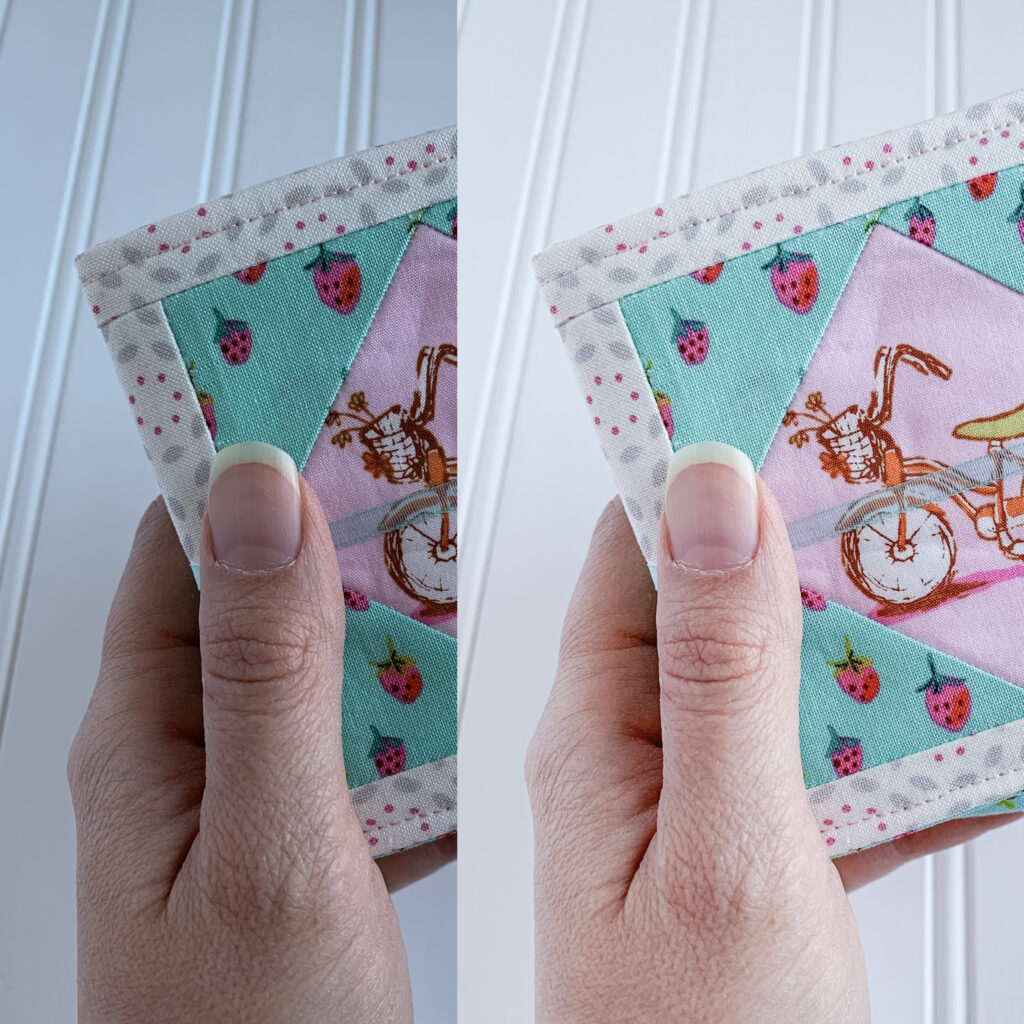
Want to skip some editing steps?
Included with this class are my exclusive 15 preset collection—The Quilty Presets—the actual presets I use to edit most of the photos you see on my social media accounts.

But you know what?
I’ve been in your shoes.. and there is a better way!
I bought fancy soft boxes and lights, and even splurged on a flash for my DSLR camera, but I still couldn’t get my photos to have that bright pop when I edited without overexposing or the colors getting wacky. Then I discovered a few simple editing tweaks that allowed me to get the look I wanted without spending a bunch of money or dedicating a large space to my photography and I’m gonna teach it to you!
“I use the quilty presets all the time”
I use the quilty presets all the time to quickly edit my photos and give them that polished look without spending a lot of time correcting them. I love that I can quickly achieve a consistent result and that the Mobile Lightroom app is so easy to use on my phone.
Christina – sweet potato quilts
Let’s get down to business
Here is what you’ll learn…

Module one
Get the Perfect Setup
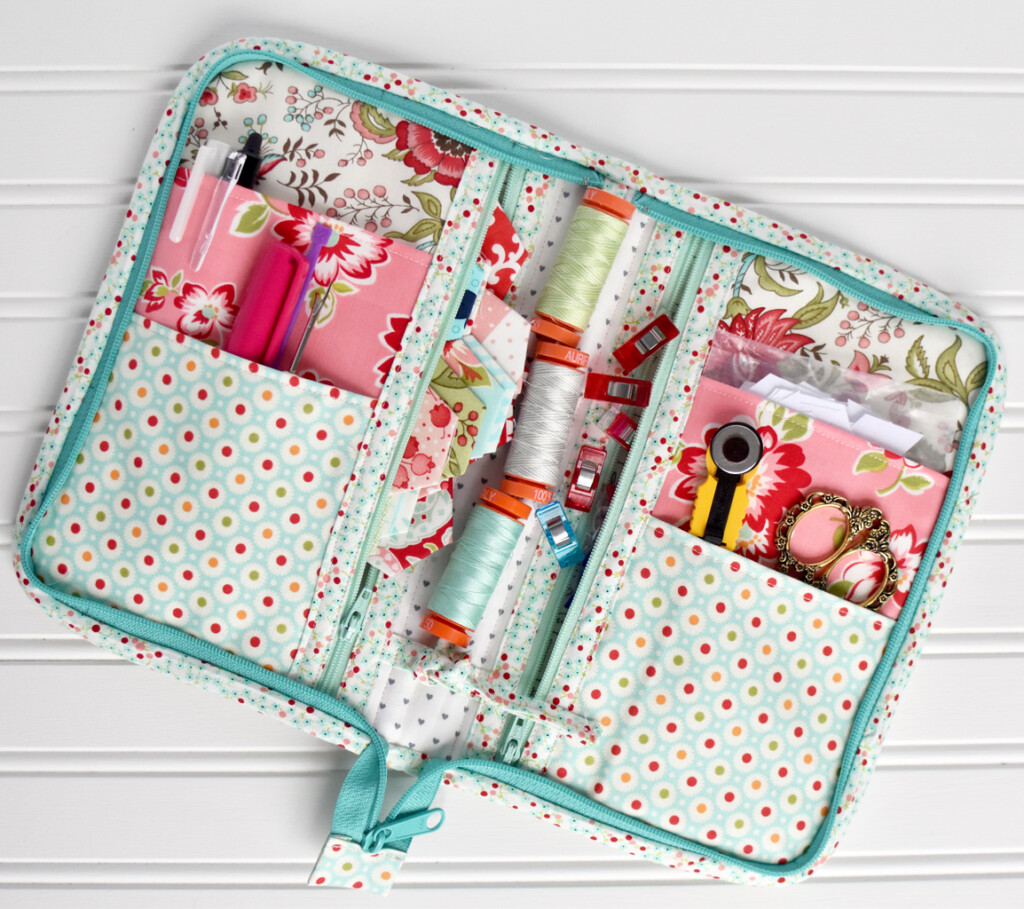
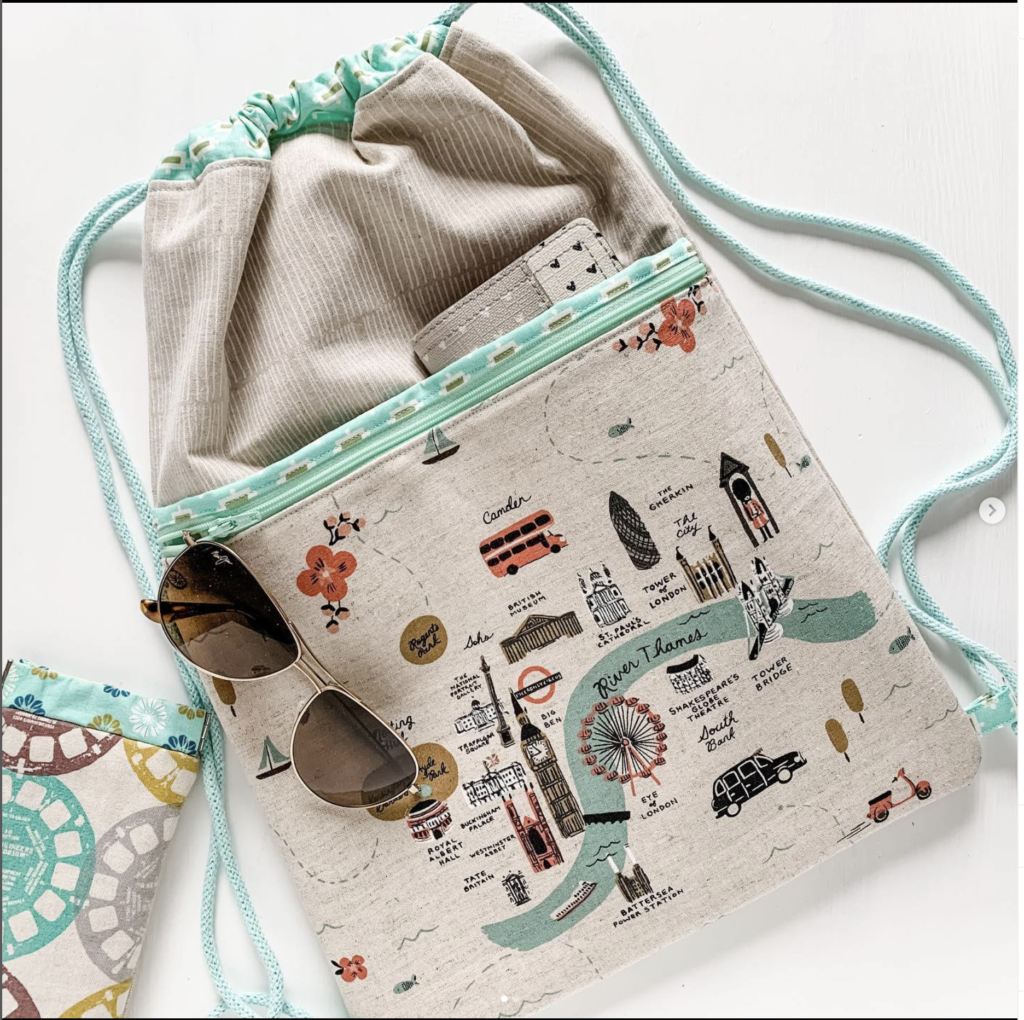
In this module I’ll show you the backgrounds and reflectors I use for my photos, a detailed look at how I set up my studio for the photoshoot, my favorite accessories, and angles that I use to get the perfect setup.
Module Two
Mobile Lightroom + Presets
A couple years ago I discovered the Free Adobe Mobile Lightroom App and it reduced my editing workflow on my phone to one app! I’ll be showing you my adjustments for well-lit photos as well as sharing my collection of 15 presets—The Quilty Presets!

Module Three
Photoshop Elements
I stumbled upon Photoshop Elements ten years ago when I was looking for something between buying the full version of Photoshop—I knew I didn’t need or know how to use all the features—and using the editor that came with my computer which didn’t allow for much fine-tuning or image correcting. I’ll be teaching you the simple, 8-step workflow I use to make all my photos pop!
Module four
Edit in Lightroom + More
Add a few more simple edits to your repertoire. In this module, you’ll learn the edits I apply directly in the Instagram app and a few edits I use in Lightroom Desktop, plus some tips on tweaking the presets to fit your style.
You’re just one step away
Are you ready to take your photos to the next level?
You don’t want to miss this course to help you take your photography skills to the next level!